

Open billing
- On your phone
- On the web
Open Shop and tap Billing. You see it only if your role can manage billing.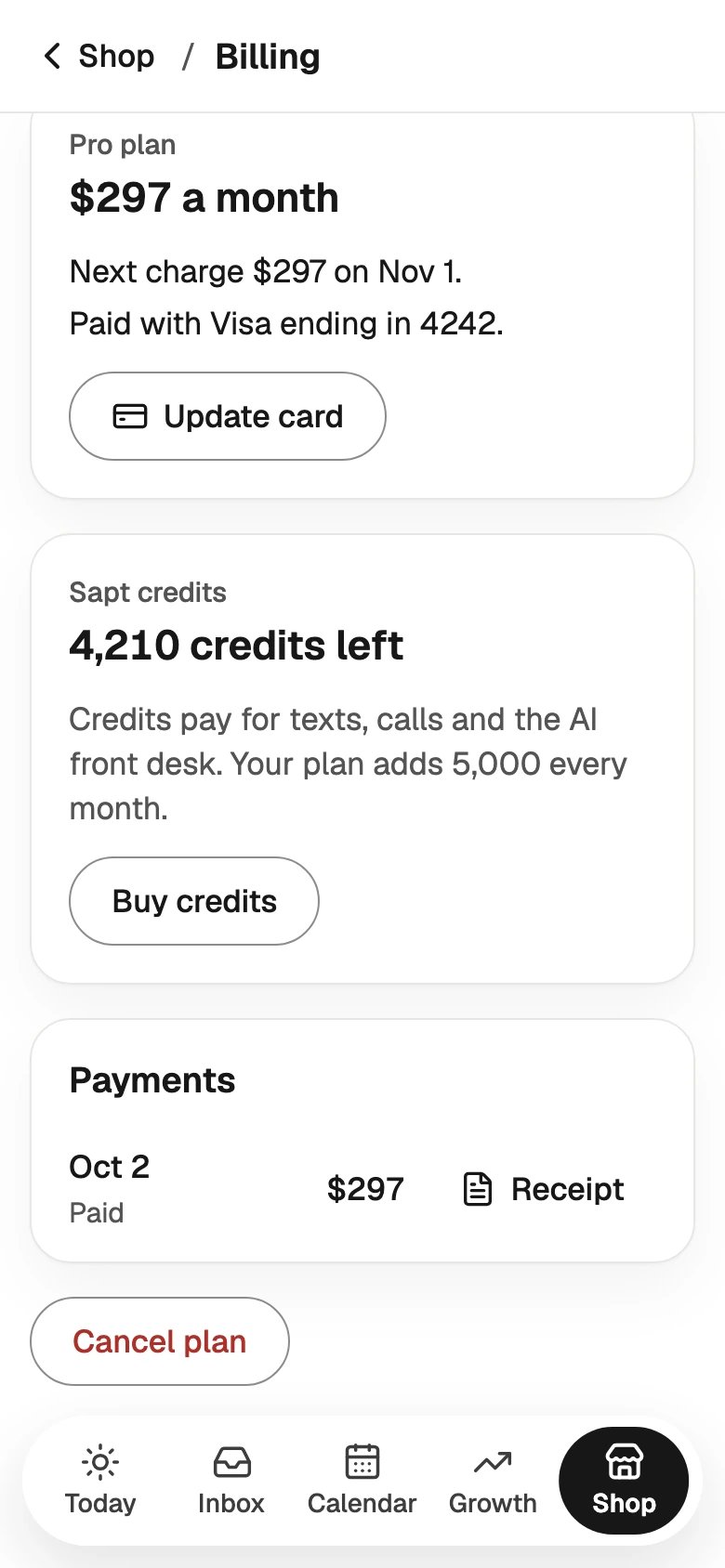
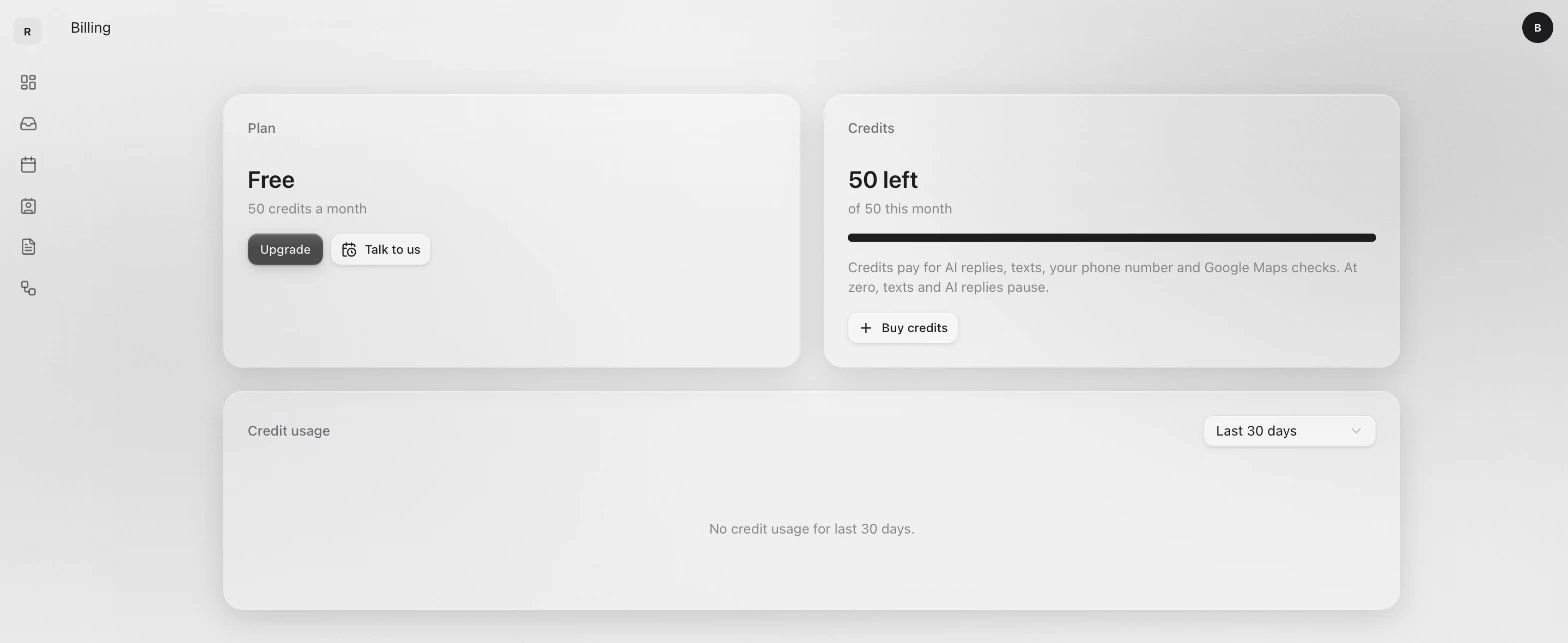
Your plan
The plan card shows your plan’s name and price, your next charge, and the card it comes from.- On your phone
- On the web
- Update card opens Stripe, the company that takes payments for Sapt, so you can change your card.
- Payments lists what you paid. Tap Receipt next to a payment to open it.
- If your shop has no plan yet, the card says what it costs and has a button to start it.
Sapt credits
Credits pay for AI replies, texts, your phone number and Google Maps checks. One credit is worth 1 cent. Your plan adds credits every month, and credits you buy stay until you use them. On the web, the Credits card shows how many are left this month. Credit usage under it shows what used them each day.Buy credits
- On your phone
- On the web
In Billing, tap Buy credits. Pick 1,000, 2,500 or 5,000 credits, then tap the buy button, like Buy for $10. You pay on Stripe’s secure page.
If something needs you
You may see one of these in Billing:Cancel your plan
- On your phone
- On the web
1
Open Cancel plan
In Billing, scroll down and tap Cancel plan.
2
Read what happens
Cancel your plan? says the day your plan ends and what stops after it. You won’t be charged again. Your customers, messages and bookings are kept.
3
Tell us why and cancel
Pick an answer under Why are you leaving? and tap Cancel plan.
Run several businesses under one parent account? The parent pays for all of them, so billing lives on the parent. See Billing for agencies.