

What you see depends on your role. An admin can hide parts of Sapt for a role, so if something on this page is missing, ask whoever runs Sapt for your shop.
On the web
Sign in at app.sapt.ai. Your shop opens on Performance.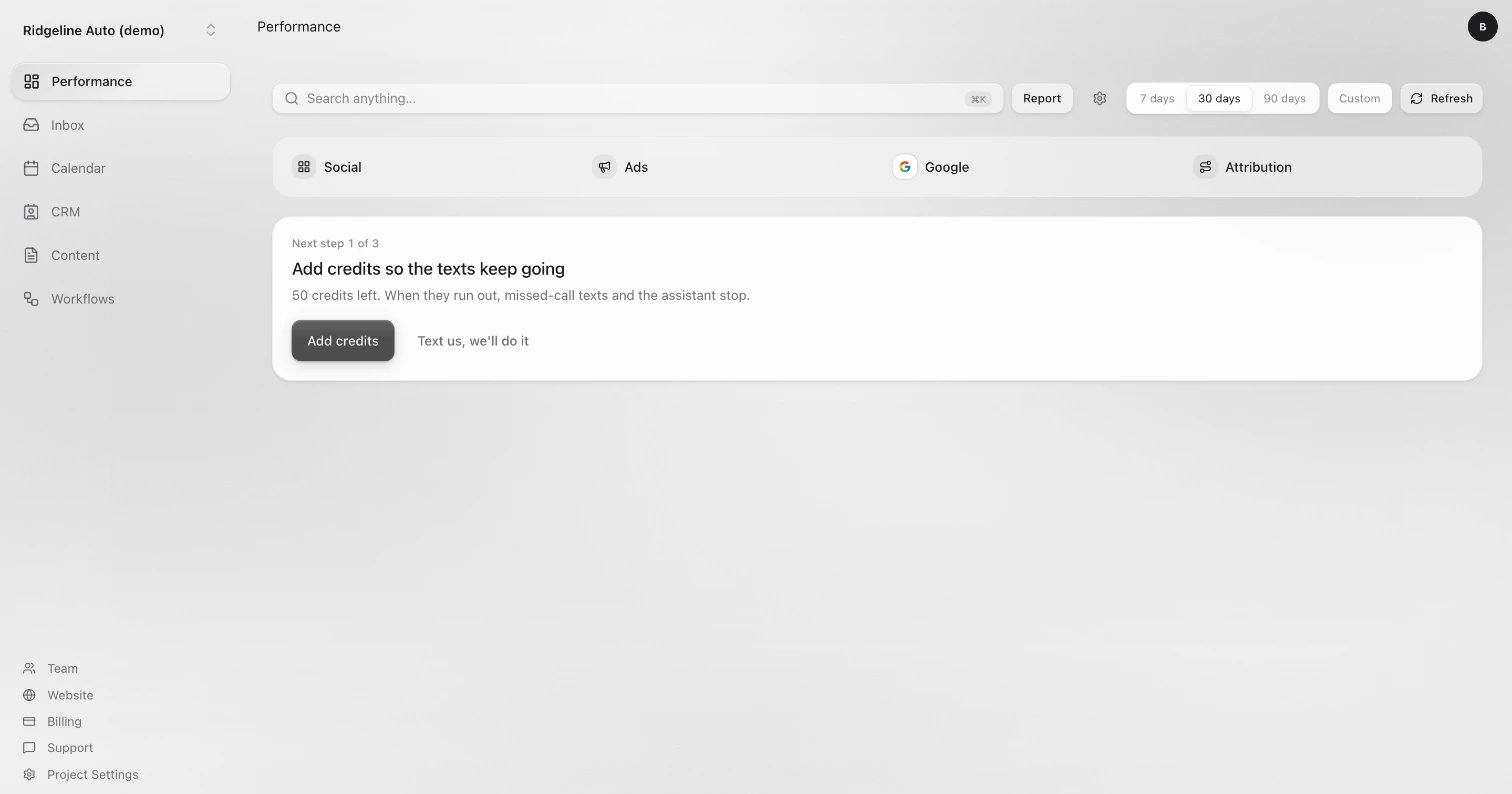
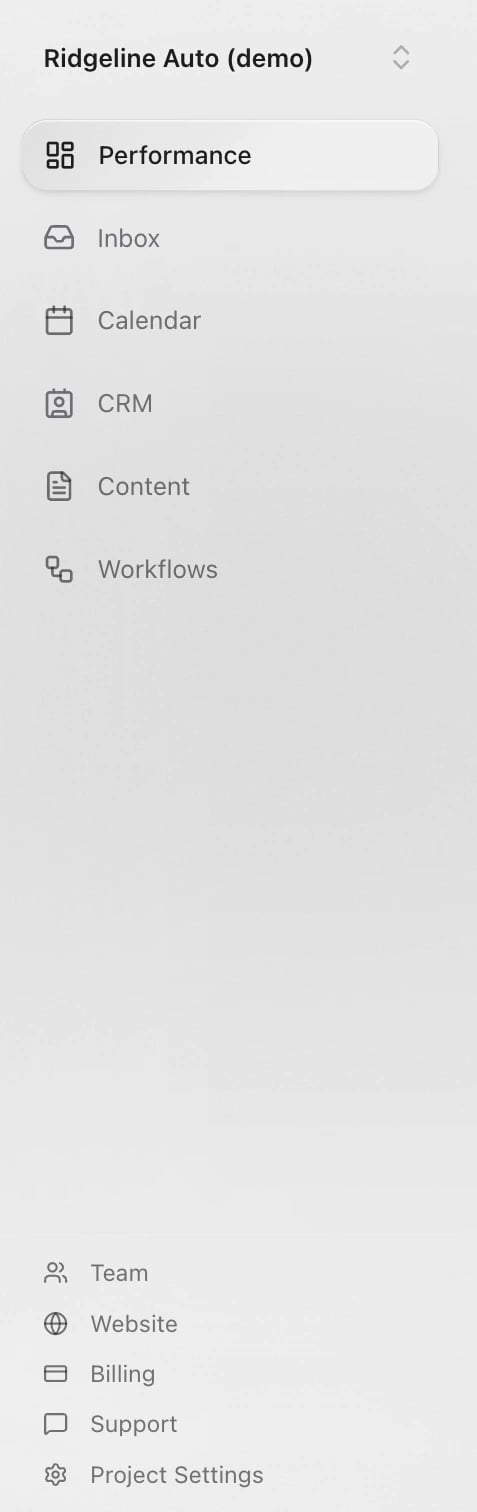
- Performance: your home page. See what needs you, your calls and texts, and where your leads came from. Social, Ads, Google and Attribution open from here.
- Inbox: every conversation with your customers, from texts and calls to email, website forms and social messages.
- Calendar: your appointments and tasks. Availability sets your hours and booking rules.
- CRM: your customers, under People, and the other records your shop keeps.
- Content: what your website shows, like services and articles, plus Files & photos and Brand.
- Workflows: automations that run on their own, like texting back a missed call. Your AI front desk is under Agents.
- Team: add teammates and choose what they can do.
- Website: preview your site, change it and publish it.
- Billing: your plan and credits.
- Support: message the Sapt team.
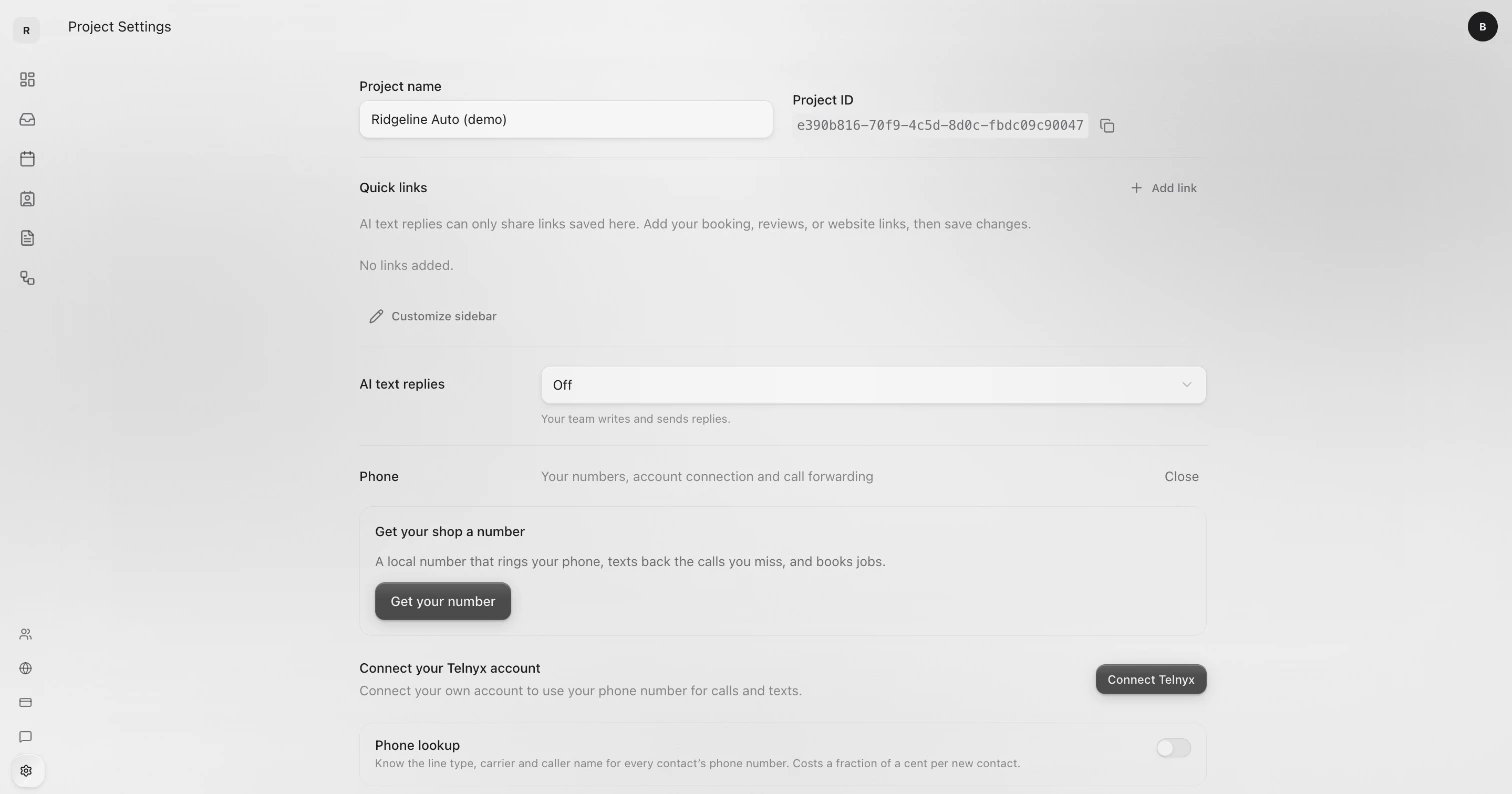
- Project Settings: your shop’s name, Quick links, AI text replies, Phone, Domains, Connected apps, AI knowledge and Permissions.
- A number beside Performance or Inbox means something is waiting for you.
- Your sidebar may show extra links between the two groups. An admin adds them from Project Settings with Customize sidebar.
- The circle with your initials, top right, opens Account, Billing and Log out.
- On a small screen, the sidebar opens from the button at the top left.
On your phone
Open dash.sapt.ai. Five tabs run along the bottom: Today, Inbox, Calendar, Growth and Shop. On a computer, the same tabs sit down the left side.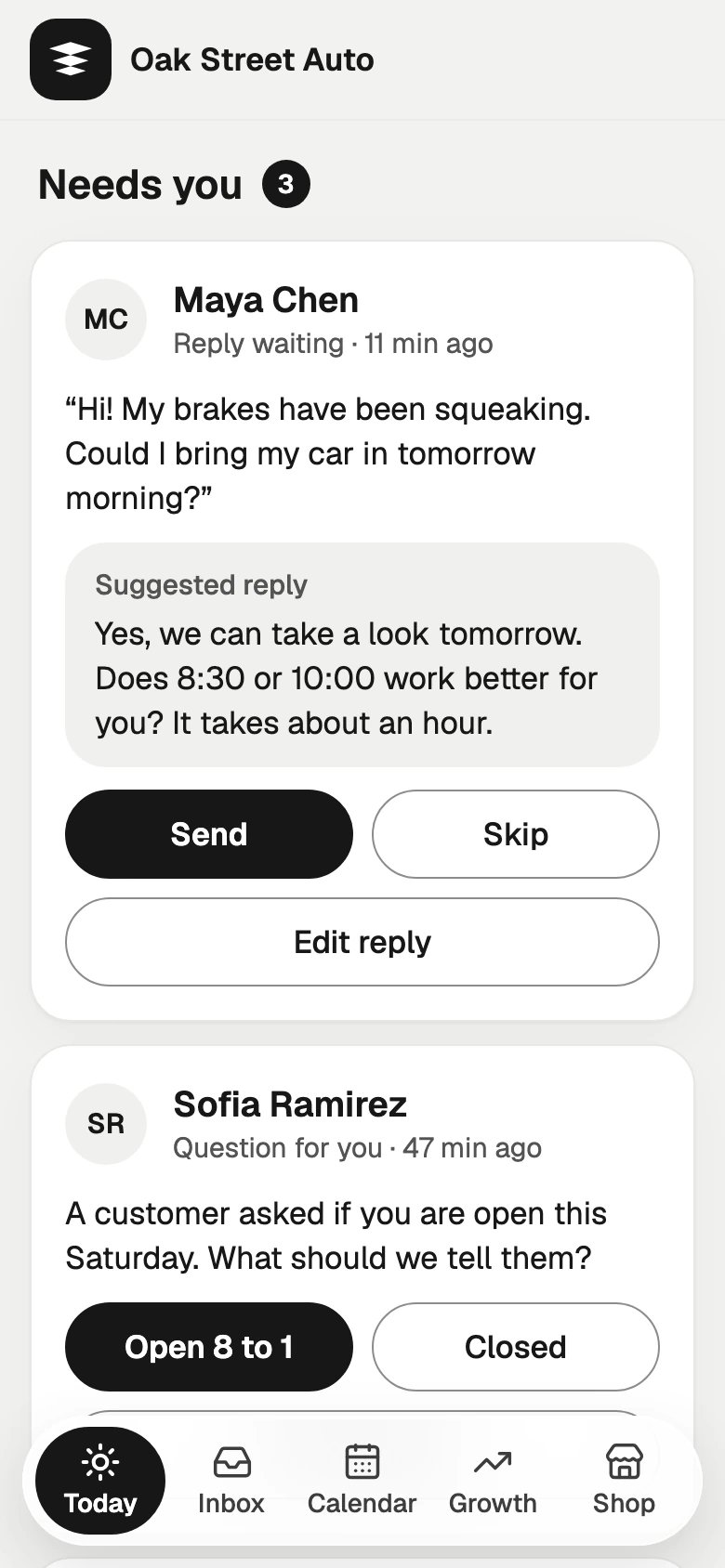
- Today: what needs you now. Customers waiting on you (Needs you), Missed calls to return, Did they come in? for appointments that have passed, then This week and Today’s calendar.
- Inbox: every conversation. Needs reply, All and Replied sort them. Tap + at the top to text a customer.
- Calendar: your bookings. Tap Book to book a customer. Website requests wait here for your OK.
- Growth: how new customers find you: Reviews, Ads, your Google profile and your Website.
- Shop: your shop’s settings, below.
The Shop tab
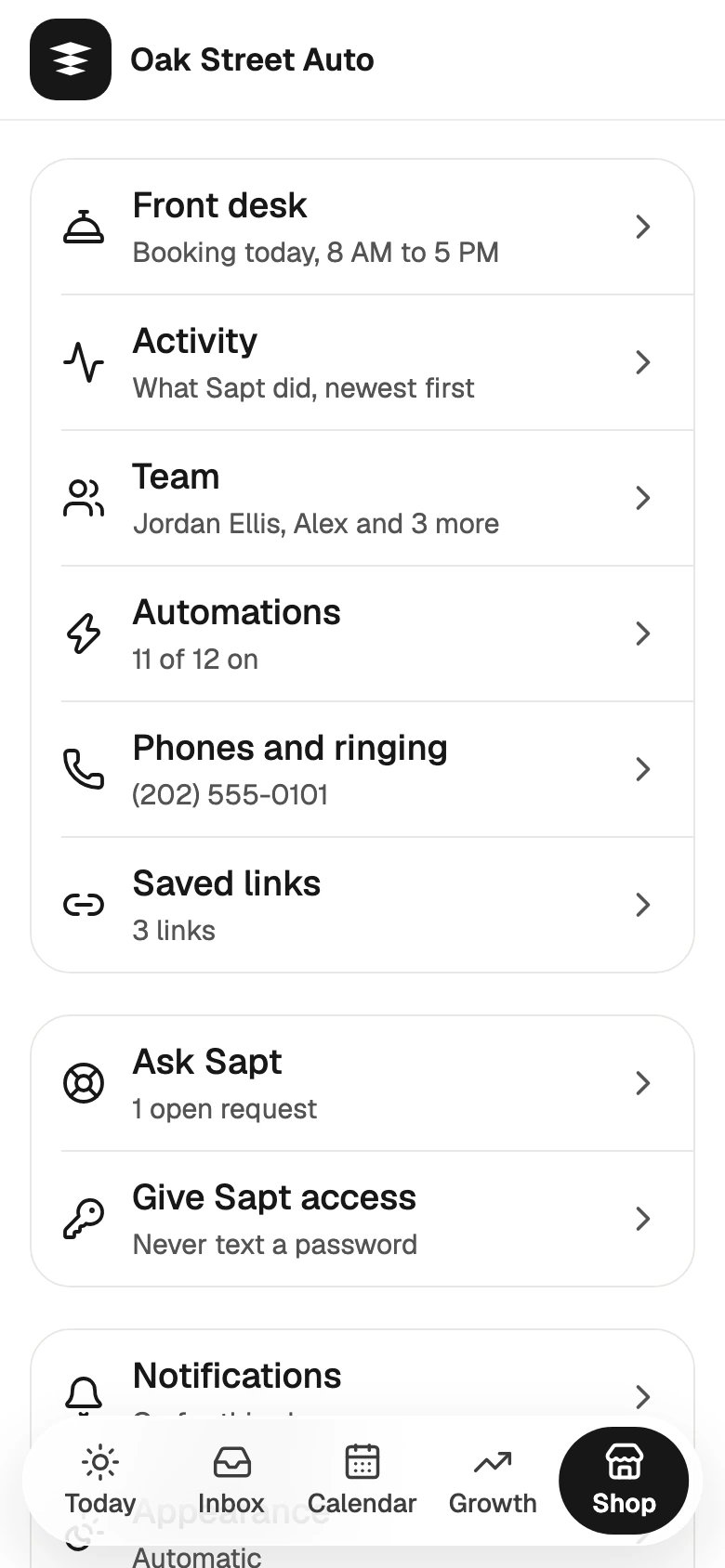
- Front desk: hours and booking rules, AI text replies, what the AI knows, calls and voicemail, and your Google hours.
- Activity: what Sapt did, newest first.
- Team: invite a teammate.
- Automations: turn automations on or off, or start a new one.
- Phones and ringing: your shop line, who it rings, a test call and forwarding your main line.
- Saved links: links you send customers again and again, like your booking or review link. They show up when you write a message.
- Billing: your plan, credits and card. Only people who manage billing see it.
- Ask Sapt: send the Sapt team a request and see where it stands.
- Give Sapt access: share a login with the Sapt team safely, so you never text a password.
- Notifications: choose what alerts you.
- Appearance: Automatic, Light or Dark.
- Profile and account: your name, Sign out and Delete account.
Keep going
Sapt on your phone
Sign in at dash.sapt.ai and add it to your Home Screen.
Answer every lead
How a missed call or a website request turns into a booked job.
Integrations
Connect Google, your shop system and the other apps you use.