

What you get
-
Your Monday morning text from Sapt adds what you invoiced in QuickBooks over the last seven days. It reads like this:
This week at Ridgeline Auto: 42 calls answered, 6 junk calls blocked before your phone rang, 9 jobs booked, $4,250 on the books. Reply with any question.
- The Sapt team turns this weekly text on for your shop. A number that is zero is left out, and a week with no calls sends no text.
For most shops, that is all Sapt does with QuickBooks today. Your invoices do not show anywhere else in Sapt yet.
Before you start
- An admin login for your QuickBooks Online company. Intuit lets only admin users connect and manage apps. See Intuit’s app help.
- Allow pop-ups for app.sapt.ai. Intuit opens in a small window.
Connect QuickBooks
1
Open QuickBooks in Sapt
In Sapt, open Project Settings and then Connected apps. Find QuickBooks Online under Money and click Connect. On the QuickBooks Online page, click Connect again.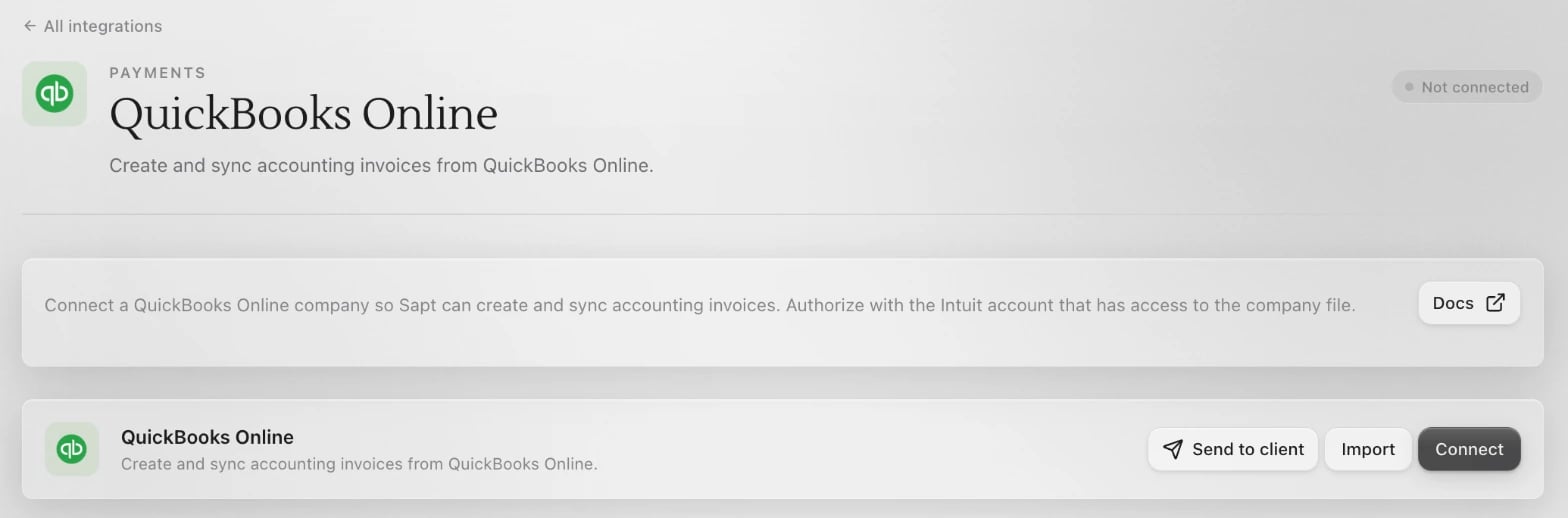
2
Approve Sapt at Intuit
Sign in to Intuit in the window that opens, choose your company and approve Sapt.
3
Check the card
Back in Sapt, the QuickBooks Online card shows Connected.
What Sapt does and does not do
- Sapt reads the invoices in your company file and adds up their totals by invoice date.
- Sapt does not create, change or delete anything in QuickBooks for your shop.
- Sapt keeps the connection fresh on its own. If it ever lapses, your weekly text still goes out without the dollar amount. Choose Reconnect on the QuickBooks Online card to fix it.
Disconnect
On the QuickBooks Online page in Sapt, open the … menu and choose Disconnect. To remove Sapt on the QuickBooks side too, follow Intuit’s disconnect steps: open the Integrations icon, choose Manage integrations, find Sapt, select the more icon and choose Disconnect.Keep going
All integrations
See what else you can connect.
Connect Stripe
See your payments and customers in Sapt.