

This page is about ads. To post videos to your TikTok account, connect TikTok.
What you get
- Your TikTok ad spend and campaign results on Performance.
- Each advertiser account your login can reach, listed in Sapt.
Before you start
- A TikTok Ads Manager login that can see your ad account’s reports. TikTok’s account roles.
Connect TikTok Ads
1
Open TikTok Ads in Sapt
In Sapt on the web, open Project Settings, then Connected apps. Under Marketing, find TikTok Ads and click Connect.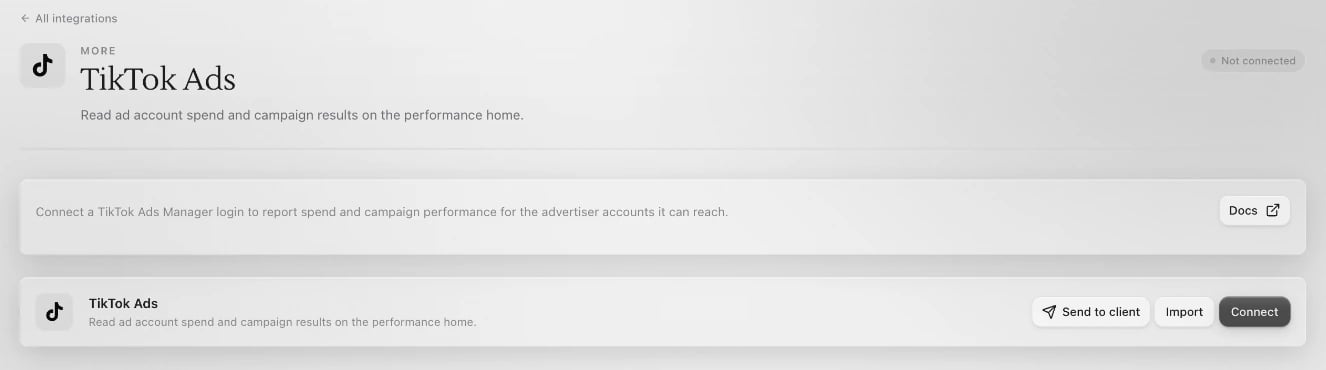
2
Sign in to TikTok for Business
Click Connect on the TikTok Ads page. TikTok opens in a new window. Sign in with the login that sees your ad account and approve access.
3
Check your advertiser accounts
Back in Sapt, your advertiser accounts are listed under Connected accounts.
Choose the account Performance reports on
- One advertiser account: Sapt reports on it on its own. Nothing to do.
- More than one: Performance shows “Choose the TikTok Ads account to report on”. Sapt has no picker for TikTok accounts yet. Click Remove next to each account you do not want under Connected accounts. Once one is left, Sapt reports on that one.
What Sapt does and does not do
- Sapt only reads your reports. It never creates, pauses or edits TikTok campaigns, and never touches your budgets.
- Removing an advertiser account in Sapt only hides it in Sapt. Nothing changes in TikTok.